
Tech & Performance · August 2026 · 9 min read
USB-C Portable Gaming: What to Know Before You Buy
Learn what USB-C does for portable gaming monitors and stations, what to check before buying, and where USB-C connectivity falls short.
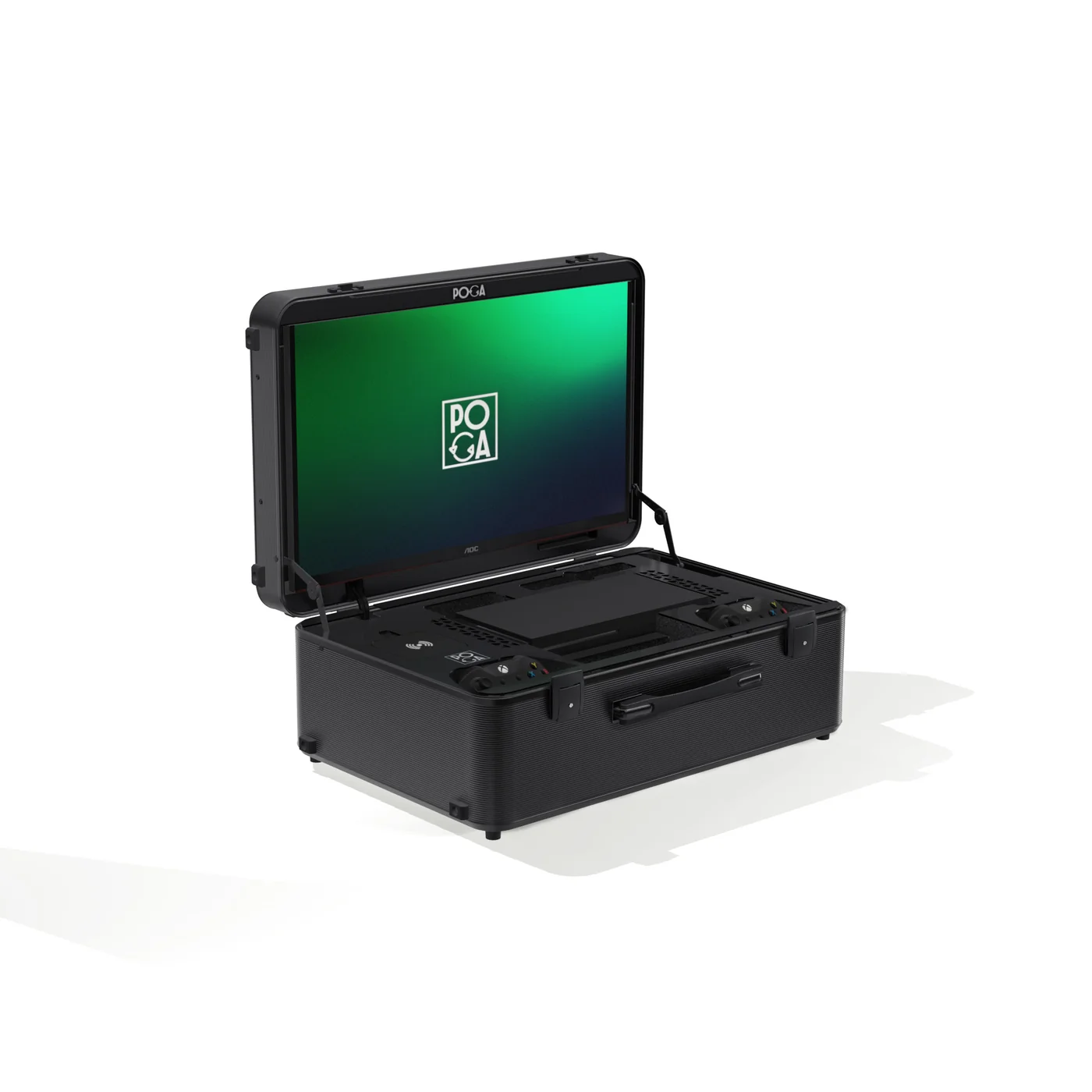
USB-C portable gaming setups promise a simpler way to play away from a television. One cable can sometimes carry power, video, and data, which sounds ideal for a travel-friendly station. The important word is sometimes. USB-C describes the connector shape, not everything the port can do.
Before buying a portable gaming monitor or station because it has USB-C, check whether the port supports power delivery, DisplayPort Alt Mode, data transfer, or only basic charging. The answer depends on the device and the product design.
What USB-C Actually Is
USB-C is a small, reversible connector used across phones, laptops, handheld PCs, displays, and gaming accessories. The connector itself does not tell you whether a port supports video, fast charging, or high-speed data. Manufacturers can include different capabilities behind the same physical shape.
For portable gaming, the three capabilities that matter most are power delivery, video output, and data transfer. A charging-only port will not send video. A video-capable port may still need a separate power source. Read the complete specification rather than relying on the USB-C label.
Power Delivery and the Single-Cable Promise
USB Power Delivery, usually called USB-C PD, allows a compatible cable and port to negotiate higher power levels. This can charge a laptop, power an accessory, or run a display more efficiently than a basic USB connection.
Power delivery is measured in watts. A port that offers 15 or 18 watts may be useful for a phone or controller, but it is not equivalent to a 60 or 100 watt connection designed for a laptop. More wattage is not automatically better. It matters when the connected device can use it.
Video Output Over USB-C
USB-C video usually works through DisplayPort Alt Mode. When the source device supports it, a single cable can carry DisplayPort video and power between a laptop, handheld PC, and compatible display.
Consoles are different. Current PlayStation and Xbox consoles output video through HDMI, not USB-C DisplayPort Alt Mode. A console-focused station may still use USB-C for charging controllers, powering accessories, or data, while the console video path remains HDMI. Gaming laptops and handheld PCs are more likely to benefit from USB-C video.
Data Transfer and Cable Compatibility
USB-C may also handle firmware updates, peripherals, hubs, and file transfer. Cable quality matters too. A cable that charges a phone may not support the bandwidth or power level required for video and laptop charging. If you replace a supplied cable, match its power and video specifications to the port.
Where USB-C Helps Portable Gaming
Even when USB-C does not carry console video, it can reduce travel clutter. A station can charge controllers, headsets, and other accessories from a shared power source. For a laptop or handheld PC with USB-C video output, the benefit can be larger because one cable may handle both the display signal and power.
Questions to Ask Before Buying
Check the port wattage, confirm whether DisplayPort Alt Mode is supported, identify the source device you plan to connect, and verify which cable is included. These details tell you whether the feature delivers a genuine single-cable setup or simply adds a useful charging port.
USB-C in POGA's Lineup
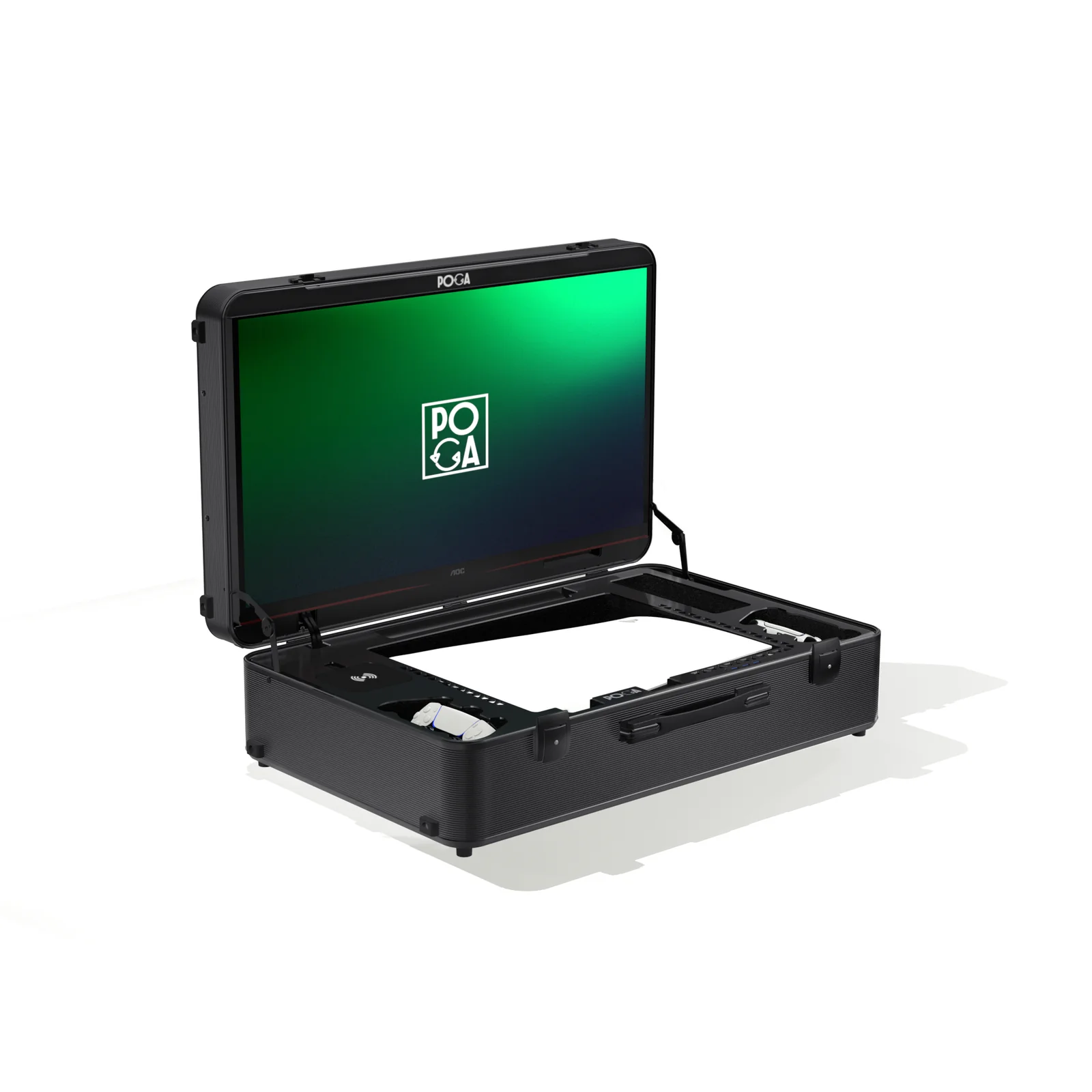
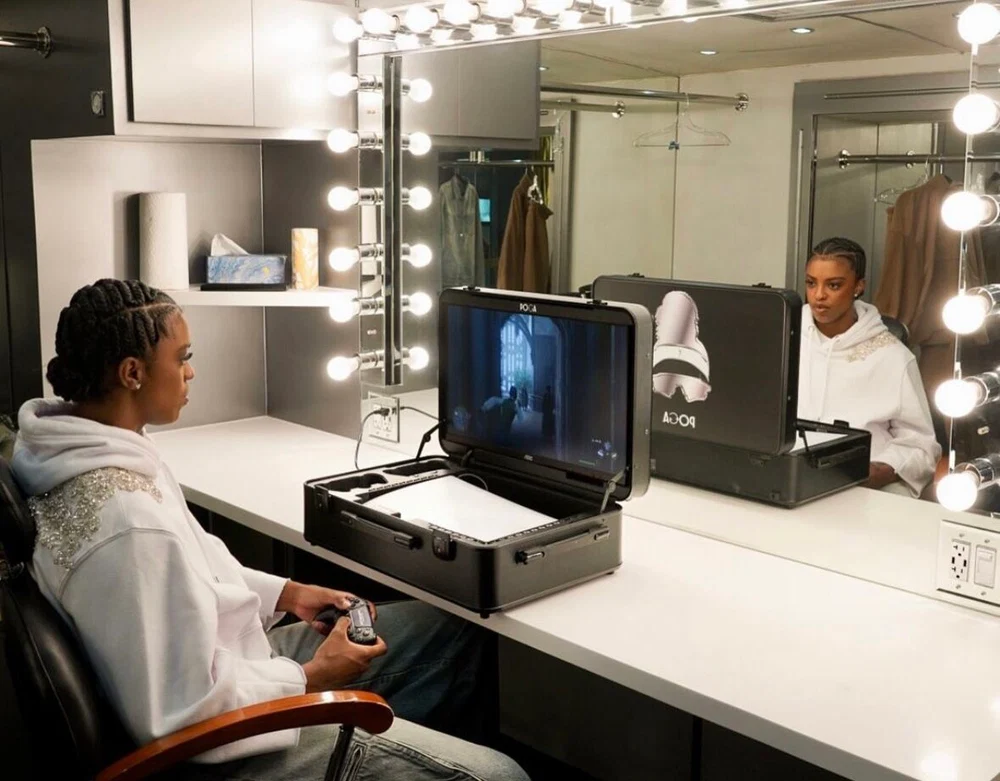
POGA's console-focused stations, including POGA Lux, POGA Pro, and POGA Sly, use HDMI for the console video path. Their USB-C features are more relevant to accessory charging and power management. POGA Max, designed around PC gaming, is the model where USB-C video capability is most relevant.
Product
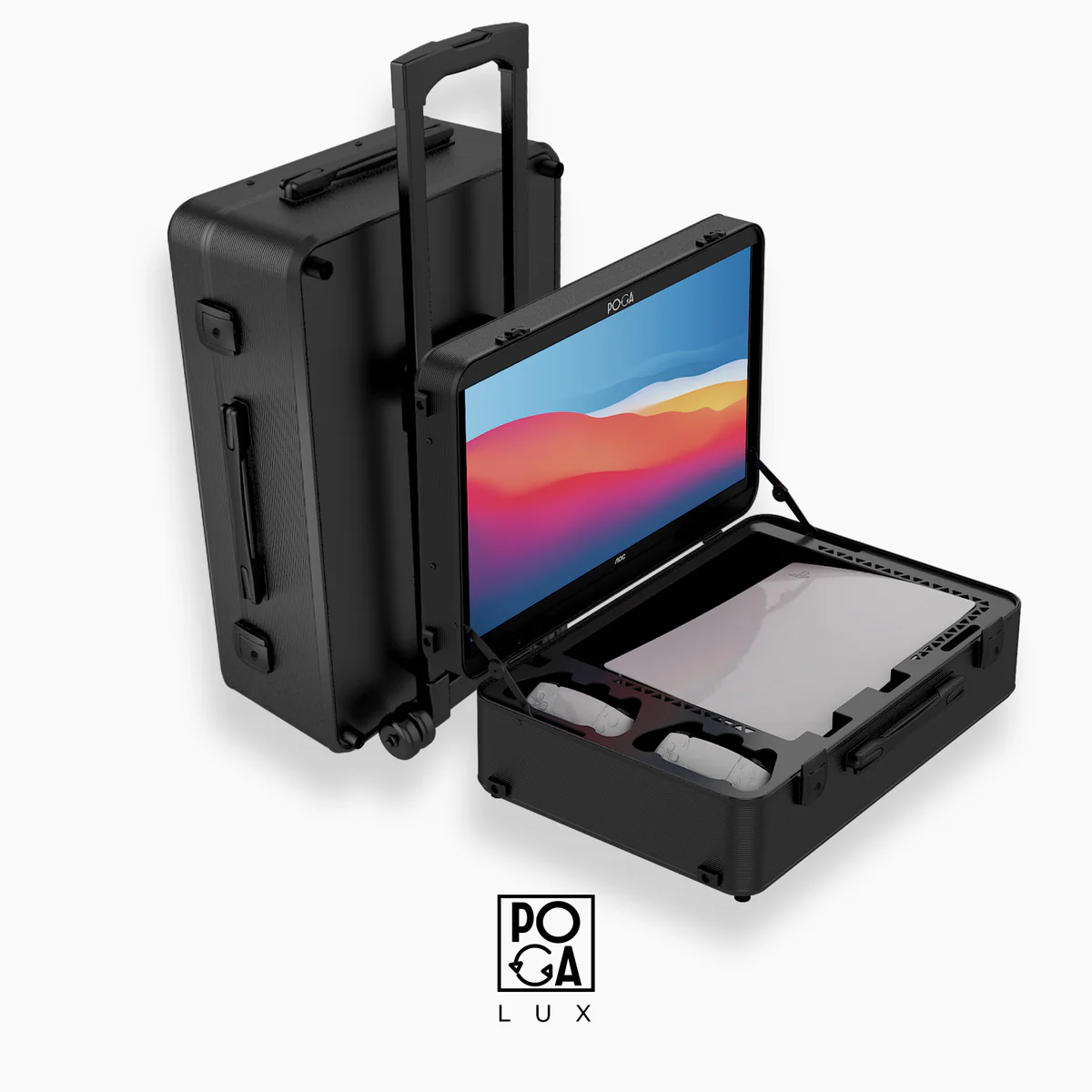
POGA Lux
A PS5-focused station with integrated display and accessory storage.
Learn more →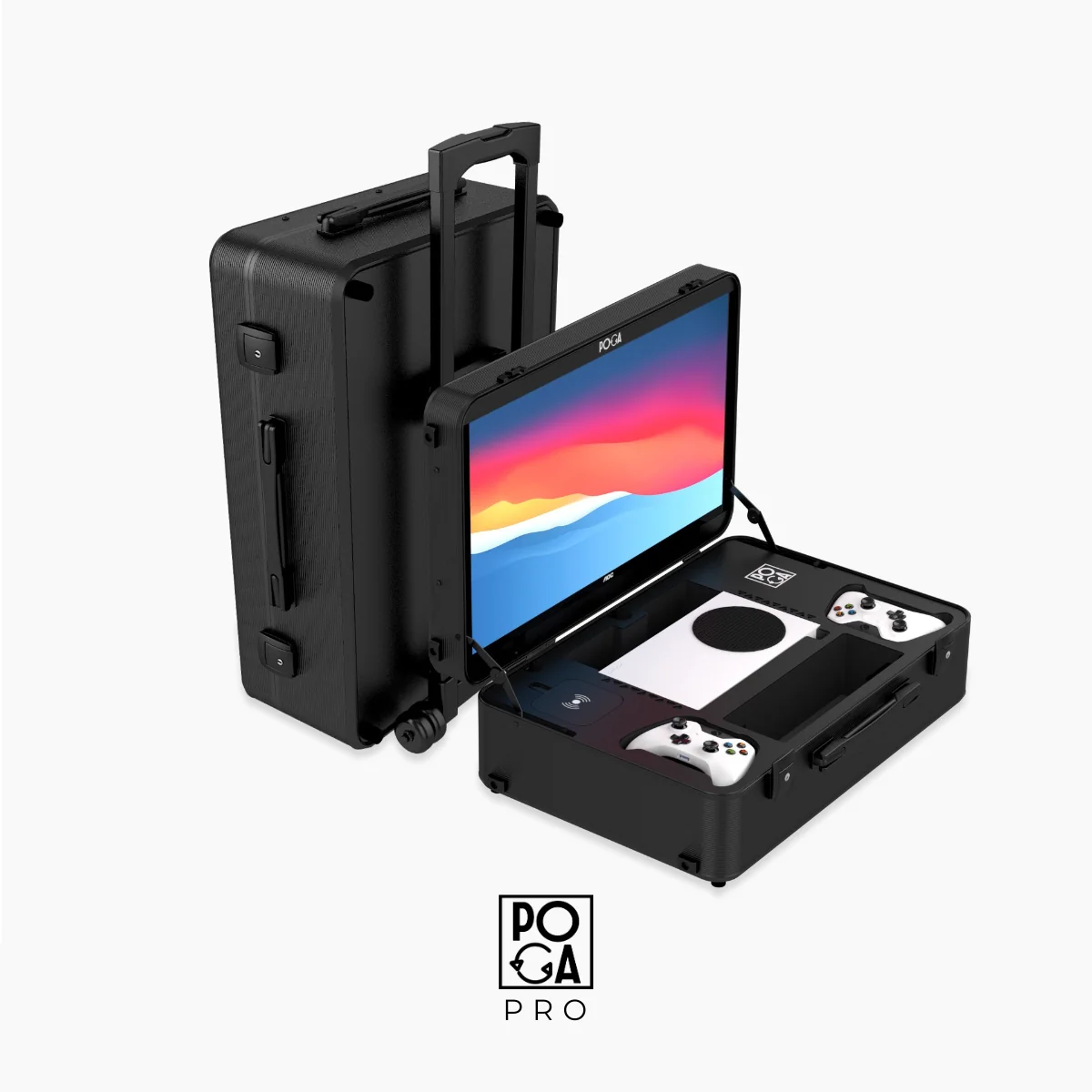
Product
POGA Pro
A portable Xbox station with display, protection, and organized storage.
Learn more →Product
POGA Sly
A slim Xbox station shown with its integrated display open.
Learn more →
Product
POGA Max
The PC-focused model where USB-C video is most relevant.
Learn more →A Brief History of USB-C in Gaming
USB-C began as a universal charging and data connector for phones and laptops. DisplayPort Alt Mode made video possible, but manufacturers could choose whether to support it. HDMI remained the familiar standard for televisions, monitors, and consoles.
As gaming laptops and handheld PCs became more common, USB-C video became more useful in portable setups. That is why the same port can be central to a PC gaming product and secondary to a console case.
Helpful answers
Frequently Asked Questions
Can I use a USB-C cable to connect my PS5 or Xbox to a portable monitor?
No. Current generation consoles output video over HDMI, not USB-C DisplayPort Alt Mode. You will need an HDMI cable for the console's video connection regardless of whether the display also has USB-C ports for other purposes.
Is a higher wattage USB-C power delivery always better?
Higher wattage generally supports more demanding devices, but it only matters if your specific device can actually use that much power. Matching the port's wattage to what your laptop, controller, or accessory actually requires is more useful than simply choosing the highest number available.
Why do some portable gaming monitors advertise USB-C so heavily if consoles do not use it for video?
Many portable gaming monitors are designed to serve both console and laptop users, and USB-C video output is a genuine, meaningful feature for the laptop side of that audience. The marketing sometimes does not clearly separate which audience a specific feature benefits.
Does USB-C charging affect battery life on devices with their own battery, like the Steam Deck?
Yes, in a positive way. A display or dock that provides USB-C power delivery can charge a battery powered handheld while it is connected, which is useful for extended play sessions, though this is a separate use case from POGA's console-focused product line.
Will a USB-C hub or adapter let me use HDMI-only source devices with a USB-C only display?
Generally no for reliable gaming use. Adapters that convert HDMI to USB-C video signals exist but frequently introduce input lag, compatibility issues, or quality loss, and are not a recommended solution for a serious gaming setup. It is better to match your device and display connection types directly rather than relying on a conversion adapter.
Related reading
The Bottom Line
USB-C is useful for portable gaming, but its benefit depends on the device you connect. Consoles still need HDMI for video. Laptops and handheld PCs are more likely to benefit from USB-C video and power over one cable. Check the exact port specification before buying.
For a broader buying overview, visit the full POGA guide or shop the portable gaming stations.