
Buyer's Guide · August 2026 · 9 min read
Portable Gaming Monitor vs. Portable Gaming Station: What's the Real Difference?
A portable gaming monitor and a portable gaming station solve different problems. Here's the real difference, with a full comparison to help you pick the right one.
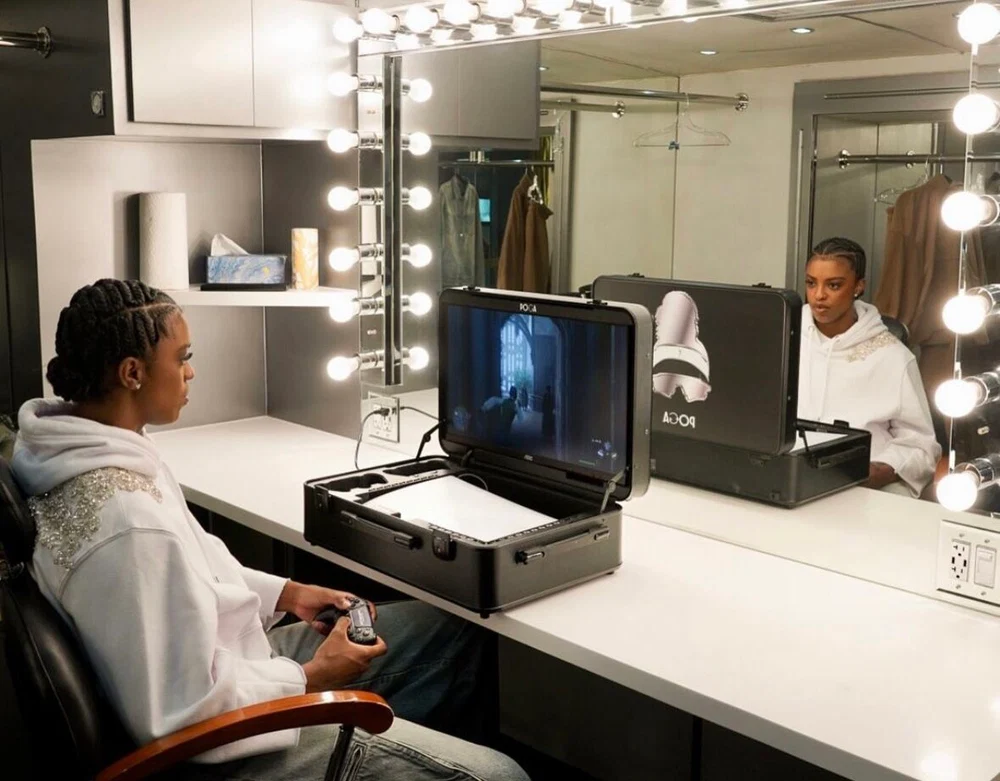
If you've started shopping for a way to game away from your TV, you've probably noticed the search results blur together. A portable gaming monitor shows up right next to a portable gaming station, both promising the same basic thing: console-quality gaming, anywhere. It's genuinely hard to tell from the product photos alone which one you actually need. They look similar in size, they're both marketed to travelers and tournament players, and the price ranges overlap. But they solve two different problems, and picking the wrong one means either overpaying for features you won't use or ending up with a setup that's still missing half of what you actually need.
This guide breaks down exactly what separates a standalone portable gaming monitor from an all-in-one portable gaming station, who each one is actually built for, and how to figure out which category fits your situation before you spend the money.
For a broader look at whether an integrated station is worth the investment, read our honest POGA value breakdown. If you are comparing travel practicality, our air travel guide covers airline and TSA considerations.
What Is a Portable Gaming Monitor?
A portable gaming monitor is, at its core, just a screen. It's a slim display, usually somewhere between 13 and 17 inches, that connects to a console or PC via HDMI or USB-C, often draws power from the same USB-C cable, and folds into a thin protective cover when you're done. That's the entire product. It doesn't hold your console, it doesn't have dedicated slots for controllers or cables, and it doesn't offer meaningful drop or impact protection for anything other than the screen itself.
That simplicity is the appeal. A portable gaming monitor is light, often under two pounds, and cheap relative to the rest of this category. Many options sit in the $100 to $250 range. If you already own a console, already have a case or bag you like, and just need a display when you're away from a TV, a standalone monitor solves exactly that one problem and nothing more.
The trade-off is that everything else is still your responsibility. Your console still needs its own case or bag. Your cables and controllers still need somewhere to live. And if the console gets knocked around in transit, the monitor's thin folio cover isn't doing much to protect it. Protecting the console was never really part of the product's job.

What Is a Portable Gaming Station?
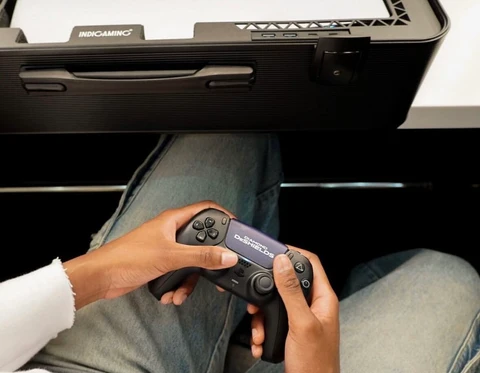
A portable gaming station is a different category entirely, even though it often gets grouped with monitors in search results. It's a hard-shell case built around three things at once: a dedicated, foam-cut slot to hold your console securely, a monitor built directly into the case itself, and organized interior storage for controllers, cables, and games. Open the case, prop up the lid, plug in one power cable, and the entire setup, display included, is ready in under a minute.
This is the category POGA's cases fall into. A POGA Lux, for example, is built specifically around the PS5, with foam cut to the exact dimensions of the console, a 23.8-inch Full HD display running at 180Hz built directly into the lid, and dedicated compartments for two controllers and your cables. Nothing about the setup is improvised. The console, the screen, and the storage are one integrated object, not three separate purchases you've stacked together.
That integration is both the appeal and the cost. A gaming station is heavier than a bare monitor, often 15 to 30+ pounds fully loaded, and it's a bigger upfront investment. Prices typically run from around €469 for an entry-level model up to several thousand euros for a PC-focused build. But it's also solving three problems at once: display, protection, and organized transport, all in a single case instead of three separate purchases handled separately.
Side-by-Side Comparison
| Portable Gaming Monitor | Portable Gaming Station | |
|---|---|---|
| What's included | Screen only | Screen + console slot + storage |
| Console protection | Minimal, you supply your own case | Built-in, custom-fit foam protection |
| Setup time | Fast, but console and cables are separate | Under a minute, everything in one case |
| Typical weight | Under 2 lbs | 15–30+ lbs fully loaded |
| Typical price | $100–$250 | €469–€3,999+ depending on model |
| Best for | People who already have a case they like and just need a screen | People who want one complete, ready-to-go setup |
| Portability style | Slips into a bag alongside your console case | Self-contained, often with its own handle or wheels |
Where a Portable Gaming Monitor Actually Makes Sense
A standalone monitor is the right call in a few specific situations. If you're a PC or laptop gamer who wants an occasional second screen for a hotel room, a friend's place, or a coworking space, a monitor without any console-storage baggage is genuinely the lighter, more flexible option. It's also a reasonable choice if you already own quality protective gear for your console and just have a gap in your setup: no display when you're away from your TV.
It's also worth being honest about who a bare monitor doesn't serve well. If your console isn't protected at all right now, riding loose in a backpack, wrapped in a towel, whatever gets it out the door, a monitor alone doesn't fix that. You'd still need to solve console protection separately, which means you're back to assembling multiple products rather than buying one solution.
Where a Portable Gaming Station Actually Makes Sense
A gaming station earns its higher price and weight when you're solving more than one problem at once. If you're a traveler who needs your console protected in transit, not just displayed once you arrive, the built-in foam protection matters as much as the screen. If you attend LAN parties or tournaments regularly, showing up with one case that has your console, your controllers, and your display all in exactly the same configuration every time is a real, practical advantage.
It also tends to make more financial sense than people expect once you actually price out the alternative. A decent standalone gaming monitor runs $100–$250 on its own. A hard-shell protective case for a console runs another $80–$150. A way to carry both safely adds another $50–$100. Priced out that way, buying the three pieces separately isn't dramatically cheaper than a single integrated station, and you end up with three things to keep track of instead of one.
A Real Example: Comparing the Numbers
Take the POGA Lux again as a concrete reference point. It starts at €969 (console not included) and includes:
- A 23.8-inch Full HD display at 180Hz refresh rate with 1ms response time
- Custom-cut foam storage fit specifically to the PS5 Disc and Digital editions
- An aluminum and composite shell rated IP52 for dust and water resistance
- A trolley system for transport
- Compartments for two controllers and cables
Now compare that to assembling the same functionality separately: a similarly-specced 24-inch gaming monitor, a hard-shell protective PS5 case, and a bag or trolley to carry both. That's meaningfully cheaper up front, but you're now managing three separate objects, none of which were engineered to work together.
Which One Should You Actually Buy?
Ask yourself these three questions:
Does your console already have real protection? If yes, and you just need a screen, a standalone monitor covers the gap. If no, a station solves two problems in one purchase.
How often are you actually moving this setup? Occasional, light travel tends to favor a lightweight monitor. Frequent, harder travel tends to favor a station's integrated protection.
Do you already own quality separate components? If you've already got a monitor and a case you like, a full station would be redundant. If you're starting from nothing, a station consolidates the whole purchase into one decision.
Helpful answers
Frequently Asked Questions
Can I use a portable gaming monitor with my existing console case?
Yes, this is exactly the use case a standalone monitor is built for. As long as your case already protects the console and you have somewhere to store your monitor separately, pairing the two works fine. You just won't get the integrated, single-case setup a station provides.
Is a portable gaming station overkill if I only travel occasionally?
Not necessarily overkill, but it's worth being honest about the math. If you travel once or twice a year, the console-protection and single-case convenience may not outweigh the higher cost and weight compared to a simple padded case plus your TV at the destination. Frequent travelers get more value out of the integration.
Do portable gaming stations work with any console?
Most, including POGA's lineup, are built around specific hardware, POGA Lux and POGA Yez are designed for PS5, while POGA Sly and POGA Pro are built for Xbox. Check the exact model compatibility before buying, since the custom-fit foam is usually specific to one console generation.
Which option has better resale value?
Portable gaming stations, being the more premium, integrated purchase, tend to hold value reasonably well in the used market since they're a complete setup a buyer can use immediately. Standalone monitors are more of a commodity product with more direct competition, which can mean lower resale demand.
Can a portable gaming station replace my TV entirely?
For most people, no, a gaming station's built-in display (typically 19 to 27 inches depending on the model) is meant for travel and portability, not as a full replacement for a living-room television. Think of it as a dedicated travel setup that complements your home setup, not a substitute for it.
The Bottom Line
A portable gaming monitor and a portable gaming station aren't competing products, they're solving different problems for different people. If you need a screen and already have your console protected and organized, a standalone monitor is the lighter, cheaper answer. If you want one integrated setup that protects your console, gives you a real display, and keeps everything organized in a single case, a station like POGA Lux or POGA Pro is built specifically for that.
Ready to see which POGA station fits your console and your travel habits? Explore the full POGA lineup or check out our complete guide.
Keep exploring
Guide
The complete portable gaming station guide
Understand displays, protection, setup, and the features worth paying for.
Read the guide →Buyer's guide
Is a portable gaming station worth it?
Compare the real-world value of an integrated setup before you buy.
Read the breakdown →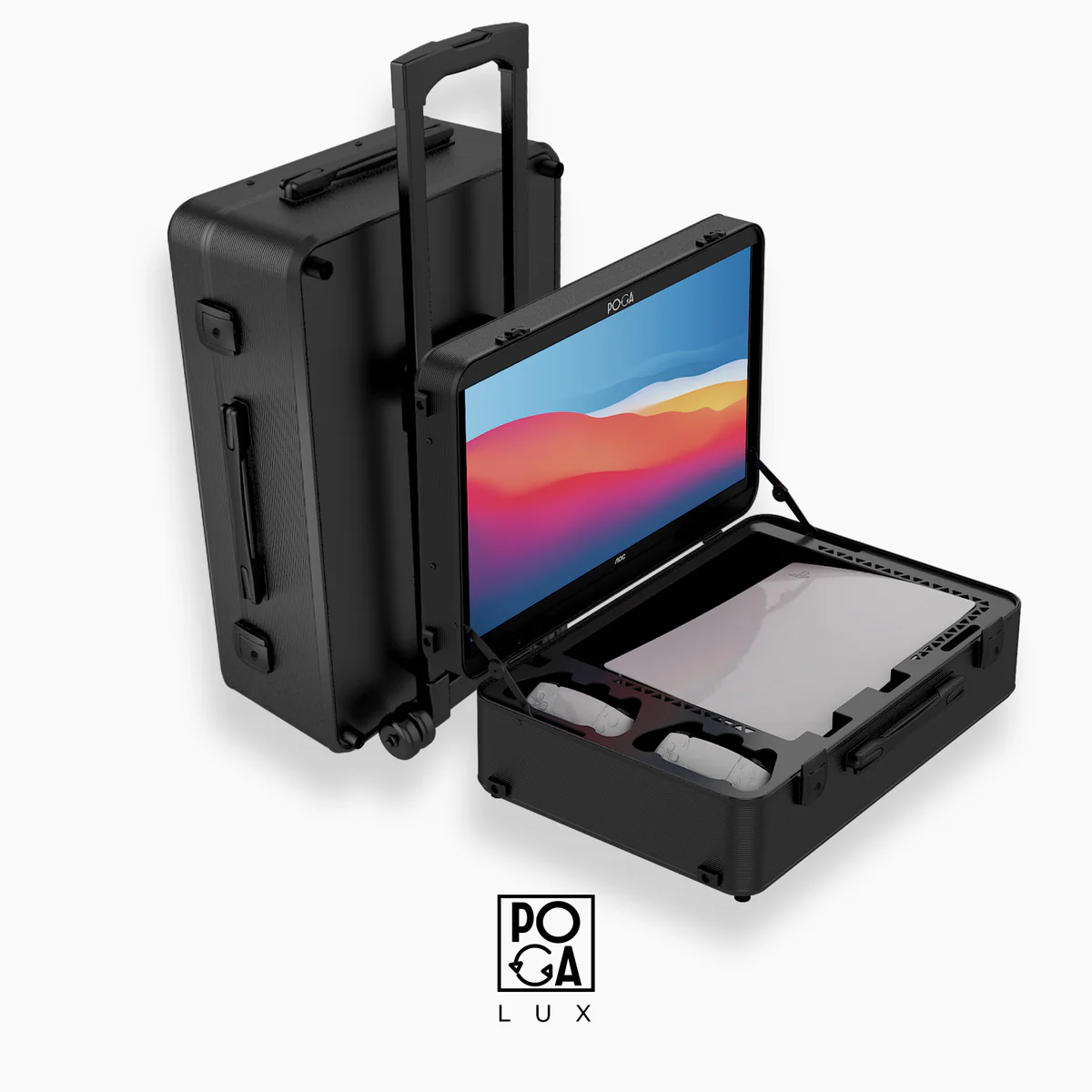
Product
POGA Lux
See the PS5-focused station with an integrated 180Hz display.
View POGA Lux →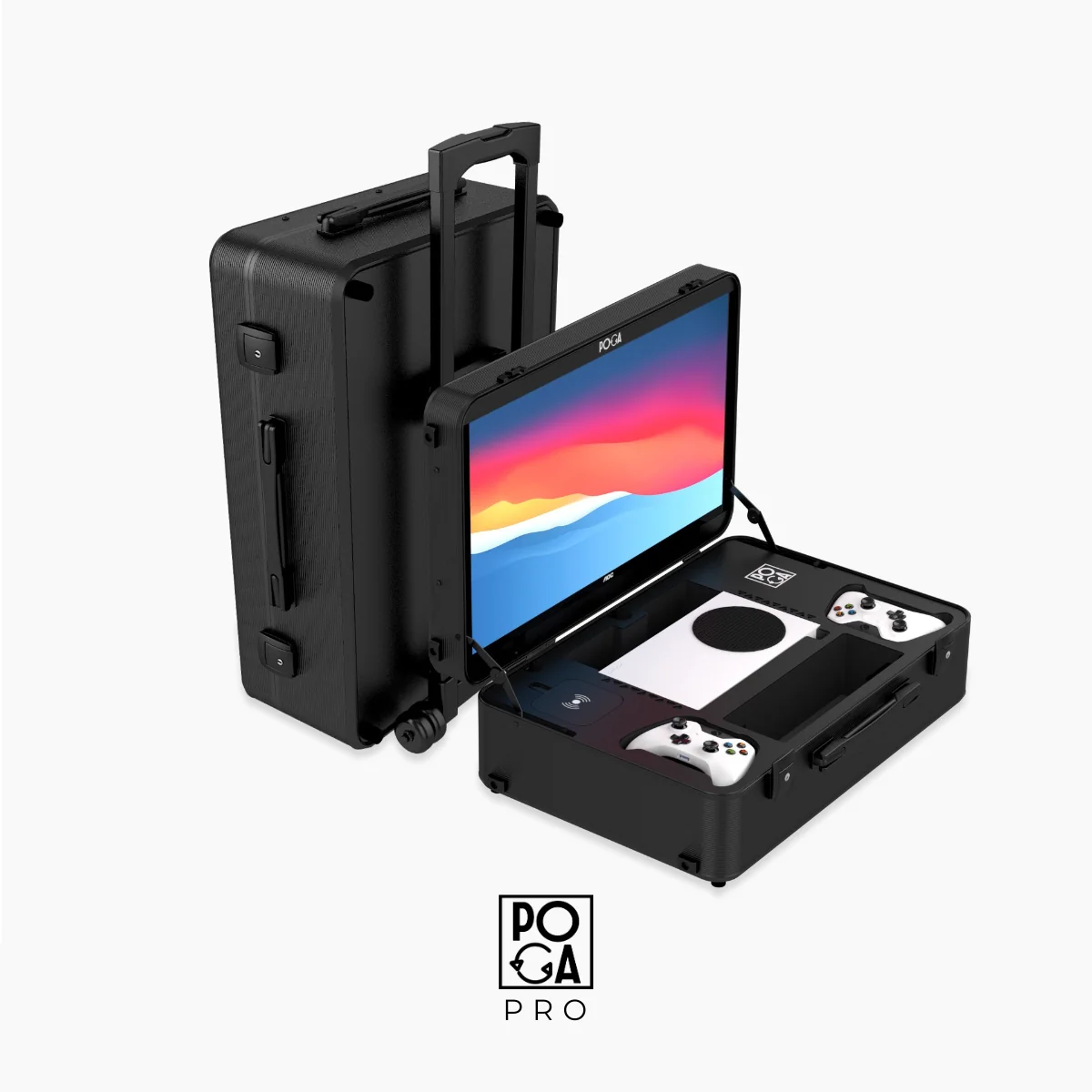
Product
POGA Pro
See the Xbox-focused station with integrated display and storage.
View POGA Pro →