
Tech & Performance · August 2026 · 10 min read
144Hz vs 180Hz: Does Refresh Rate Actually Matter for Portable Gaming?
Comparing 144Hz and 180Hz portable gaming monitors? Here's what refresh rate actually changes in gameplay, and whether the upgrade is worth it.
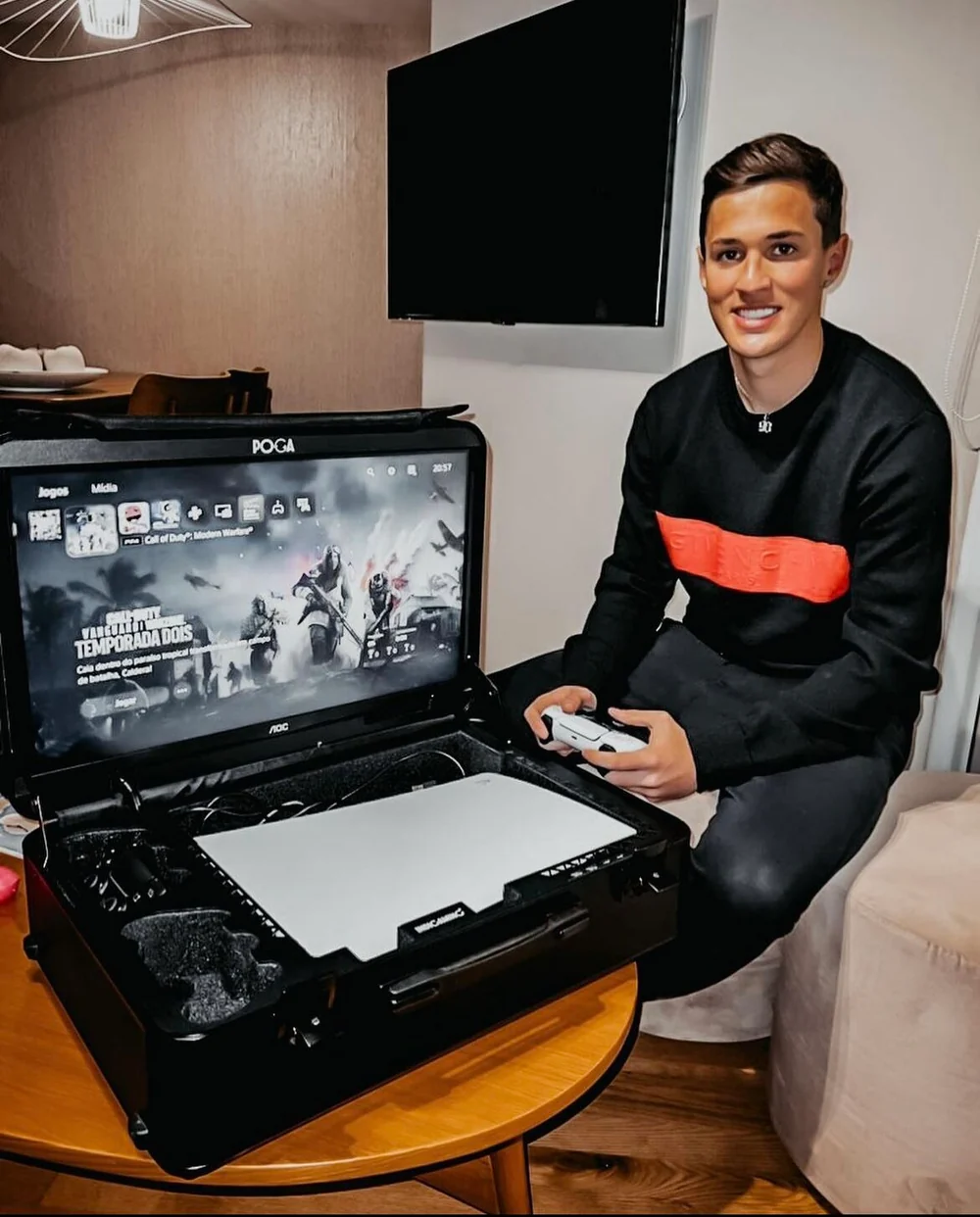
If you have spent any time shopping for a portable gaming monitor, you have probably noticed 144Hz come up constantly. It appears in product titles, comparison charts, and review headlines as the number to look for. But when you compare portable gaming stations, some models push past that number and run at 165Hz or 180Hz. So is the extra refresh rate a meaningful upgrade, or just a bigger number on a spec sheet?
This guide explains what refresh rate changes, why 144Hz became the benchmark, and whether stepping up to 165Hz or 180Hz is worth paying for. For a broader buying overview, visit the complete POGA portable gaming station guide.
What Refresh Rate Actually Means
Refresh rate is measured in Hertz, or Hz, and describes how many times per second a display redraws the image. A 60Hz screen refreshes 60 times per second, a 144Hz screen refreshes 144 times, and a 180Hz screen refreshes 180 times. More refreshes produce smoother motion, especially during fast camera movement or quick reactions in competitive games.
Refresh rate is different from resolution and response time. Resolution measures the pixels in the image, while response time measures how quickly individual pixels change color. All three affect the experience, but refresh rate is specifically about motion smoothness and how current the image is on screen.
Why 144Hz Became the Benchmark
144Hz earned its reputation because it was a clear and visible improvement over the 60Hz displays found in most TVs and budget monitors. Going from 60Hz to 144Hz more than doubles the number of frames shown per second, and most players notice the difference immediately when the displays are compared side by side.
As 144Hz monitors became widely available during the growth of esports, the number became shorthand for a serious gaming display. Product listings and search behavior settled around 144Hz as the term people use when they want more than a basic screen.
What Changes Between 144Hz and 180Hz
The jump from 144Hz to 180Hz is smaller than the jump from 60Hz to 144Hz, but it is still measurable. A 180Hz display shows roughly 25 percent more frames per second than a 144Hz display. That can mean slightly smoother motion during fast panning, quick turns, and high speed action.
Most players will not consciously notice the difference in isolation. It becomes easier to notice in a direct side by side comparison or during competitive play, where each frame carries slightly newer information. Refresh rate also has diminishing returns, so each step matters less than the previous one.
Does Your Console Even Support It?
A monitor capable of 180Hz only delivers 180Hz if the connected device can output a matching frame rate. Most current console games target 120 frames per second in performance mode. Displays above 120Hz are not wasted, since they can offer lower input lag and improved motion clarity, but the console is usually the limiting factor.
PC gaming is different. A capable graphics card paired with a less demanding game can push frame rates past 144 and take fuller advantage of a higher refresh display. The practical takeaway is to choose a display based on your real hardware and the games you actually play.


Refresh Rate in Portable Gaming Stations Specifically
Portable gaming stations add another consideration because the display is built into the case alongside console storage and a mobility system. Refresh rate is only one part of the engineering. Check the HDMI implementation and internal processing too, so the rest of the station does not create a bottleneck.
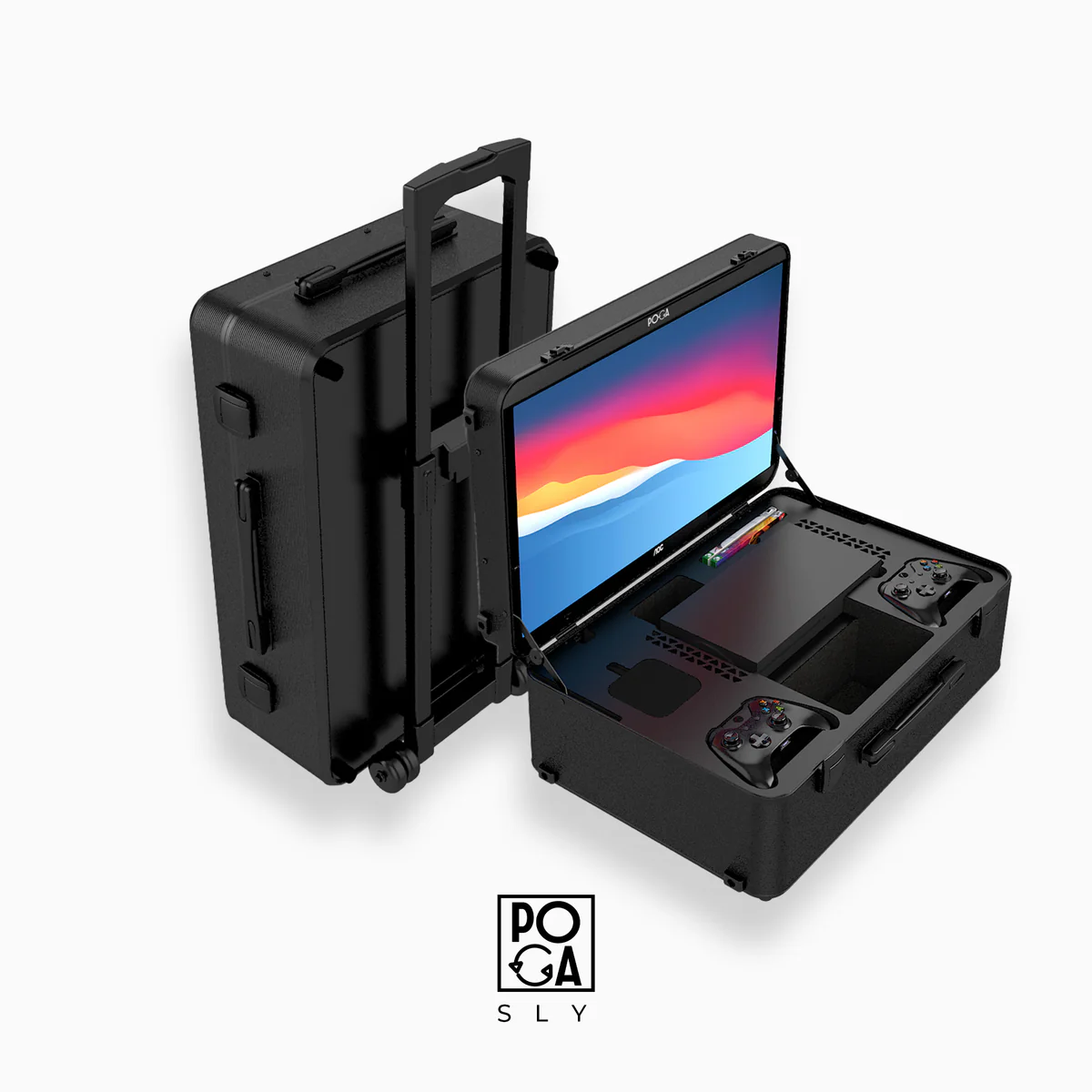
Within POGA's lineup, the POGA Sly runs at 165Hz, while the POGA Pro and POGA Lux run at 180Hz. These models exceed the frame rate ceiling most competitive console games reach, leaving headroom for motion clarity and input response.
Product · Xbox
POGA Sly
165Hz display for Xbox Series X gaming.
Learn more →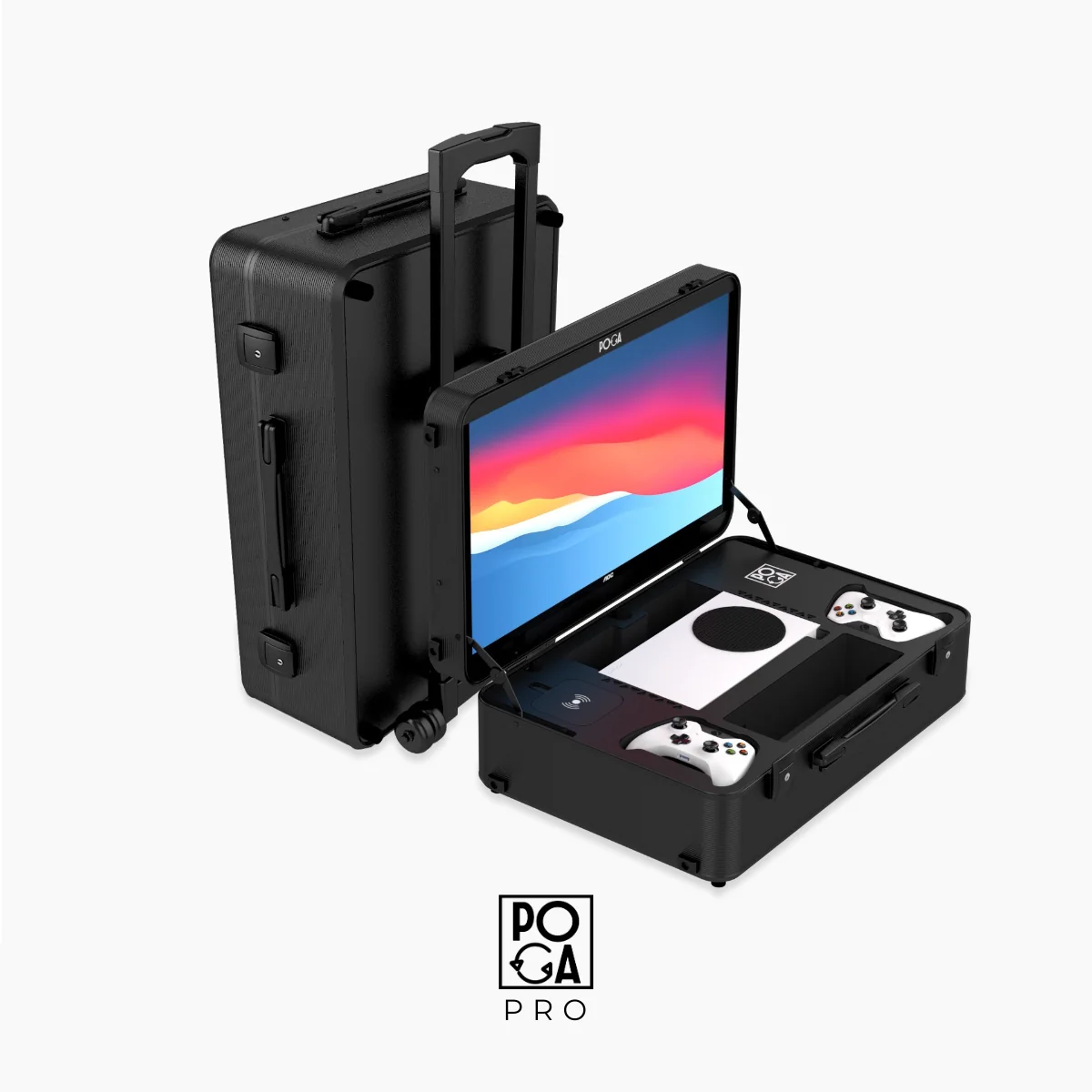
Product · Xbox
POGA Pro
180Hz display for a faster portable setup.
Learn more →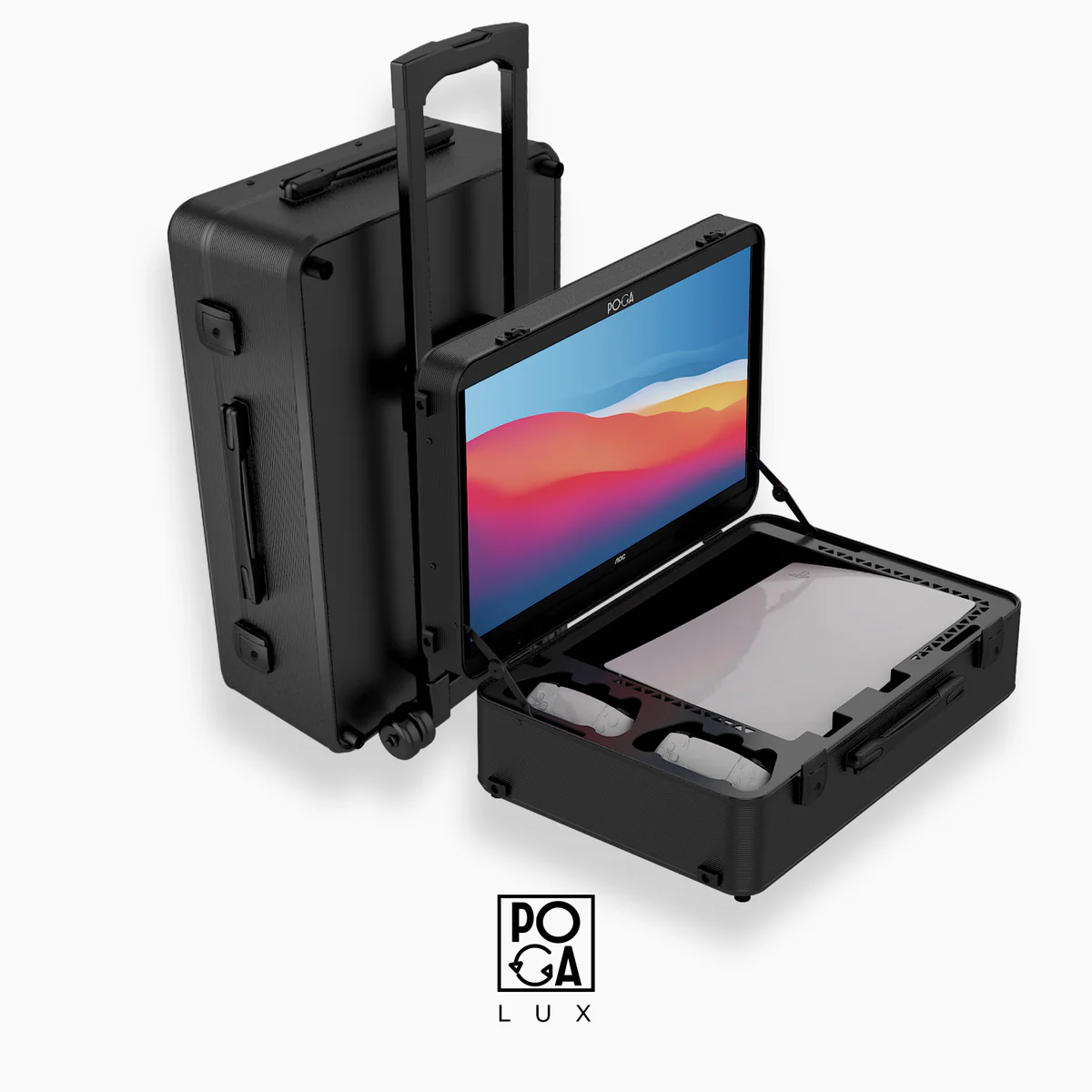
Product · PlayStation
POGA Lux
180Hz display built around PS5 travel.
Learn more →Response Time Matters Just as Much
Refresh rate gets most of the attention, but response time is just as important during fast gameplay. A slower response time can cause ghosting behind moving objects, even when the refresh rate is high. When comparing portable gaming monitors or stations, check both numbers rather than focusing on Hz alone.
Who Benefits From the Higher Number?
Competitive players get the clearest benefit because split second reactions matter and small reductions in input lag can affect performance.
Fast paced action and shooter players may notice smoother camera movement and quicker target tracking.
Casual and story focused players are less likely to notice a meaningful difference between 144Hz and 180Hz. Screen size, color accuracy, and build quality may matter more to their overall satisfaction.
Is Paying for 180Hz Worth It?
If a 144Hz option and a 180Hz option cost about the same and have comparable specifications, there is little reason not to choose the higher number. If 180Hz requires a large price increase, the decision depends on how competitively you play and whether the improvement matters to your use case.
Do not treat refresh rate as the only important specification. Resolution, response time, color accuracy, case protection, and build quality all contribute to the experience.
Helpful answers
Frequently Asked Questions
Can my eyes actually tell the difference between 144Hz and 180Hz?
Most people struggle to consciously identify the difference in casual, unstructured play, but the difference becomes noticeable in direct side by side comparison, and matters more during fast paced or competitive gameplay where split second motion clarity has a real impact on performance.
Does a higher refresh rate monitor work with an older console?
Yes, a 180Hz display will work with any console through HDMI, but the console determines the actual frame rate being sent to the display. An older console outputting 60 frames per second will not suddenly produce 180 frames per second because the monitor is capable of it, though the display can still offer benefits like lower input lag even at lower source frame rates.
Is 165Hz meaningfully different from 180Hz?
The difference between 165Hz and 180Hz is smaller than the difference between 144Hz and either of them, and most players will not notice a practical difference between the two in real gameplay. Both comfortably exceed the 120 frames per second ceiling most current console games target in performance mode.
Do all POGA models have the same refresh rate?
No. Refresh rate varies by model based on the display chosen for that specific station. The POGA Sly runs at 165Hz, while POGA Pro and POGA Lux both run at 180Hz. Check the specific product page for exact specifications before buying, since this is one of several specs that differ across the lineup.
Should I prioritize refresh rate over screen size when choosing a portable gaming station?
It depends on how you play. Competitive players benefit more from refresh rate and response time, while players who prioritize visual immersion or split screen multiplayer may get more value from a larger screen, even at a comparatively lower refresh rate. Neither choice is universally correct, since it comes down to what kind of games you actually play most.
Related reading
The Bottom Line
Refresh rate is a real, measurable specification that affects how smooth and responsive a display feels. The jump from 144Hz to 180Hz is smaller than the jump from 60Hz to 144Hz, but it is not meaningless. Choose based on your hardware, games, response time, resolution, and overall build quality rather than chasing the biggest number alone.
Ready to compare the lineup? Visit the full POGA guide or shop the portable gaming stations.