
Care & Maintenance · August 2026 · 9 min read
How to Clean and Maintain Your Portable Gaming Station
A portable gaming station takes more wear than a stationary setup. Here's how to actually clean and maintain one so it keeps protecting your console for years.

A portable gaming station goes through more physical stress in a year than a stationary home setup goes through in five. Repeated packing and unpacking, dust exposure from travel, foam compression from regular use, and cables that get coiled and uncoiled dozens of times all take a toll. A little bit of regular, low effort maintenance helps it keep protecting your console for years.
Why Maintenance Matters More for Portable Gear
A console that lives permanently on a shelf accumulates dust slowly and predictably. A console that travels inside a portable gaming station experiences frequent handling, different environments, and repeated mechanical stress. This is the tradeoff that comes with genuine portability, and it means portable gear benefits from a different maintenance mindset.
Most of what matters is simple and low effort. Periodic attention is more useful than treating the case as something you never think about between trips.
Cleaning the Exterior Shell
A soft, slightly damp cloth handles most day to day dust and grime. For stubborn dirt, a small amount of mild soap diluted in water is generally safe for hard shell exteriors, though check your product's care instructions first.
Avoid abrasive pads and harsh chemical cleaners. Wipe handles, wheels, and trolley components periodically so grit does not work into hinges and joints.
Caring for Interior Foam
Custom cut foam compartments hold your console and accessories securely, but foam compresses gradually with repeated use. Dust, crumbs, or debris can also work into the foam and mark your console.
Remove your console and accessories periodically, then gently vacuum or brush out the compartments. If the foam has compressed so your console moves noticeably, check whether replacement inserts are available. A loose fit undermines the protective purpose of the case.
Cable and Connector Care
Cables are a common point of failure because portable gear is repeatedly coiled, packed, unpacked, and reconnected. Inspect them for fraying, exposed wiring, or bent connector pins before problems appear during a trip.
Coil cables loosely and avoid sharp bends at the connector. Keeping a spare HDMI or power cable is inexpensive insurance for regular travelers.
Display and Screen Care
Use a microfiber cloth, the type used for eyeglasses or camera lenses, to remove dust and fingerprints. If a display needs more than a dry wipe, apply a small amount of dedicated screen solution to the cloth, never directly to the screen.
Avoid ammonia based glass cleaners because they can damage screen coatings over repeated use.
Ventilation and Cooling Maintenance
Keeping ventilation paths clear is directly tied to console performance. Dust buildup restricts airflow and can contribute to a console running hotter than it should.
Check vents after travel through dusty environments and gently clear visible buildup with a soft brush or compressed air.
Storage Between Uses
Store the case somewhere with stable temperature and humidity rather than a hot car trunk or damp basement. For extended storage, remove the console so the foam is not compressed in one fixed position indefinitely.
A Simple Maintenance Schedule
After every trip: wipe down the exterior, check cables for visible damage, and confirm the console still sits securely in its foam compartment.
Monthly, for regular users: clean the display with a microfiber cloth, check ventilation paths for dust, and inspect foam compartments for debris.
Every few months, or after noticeable wear: inspect foam compression and cable condition more thoroughly, and consider replacement parts if needed.

Gear & Spares
Find replacement parts and accessories that support long term care.
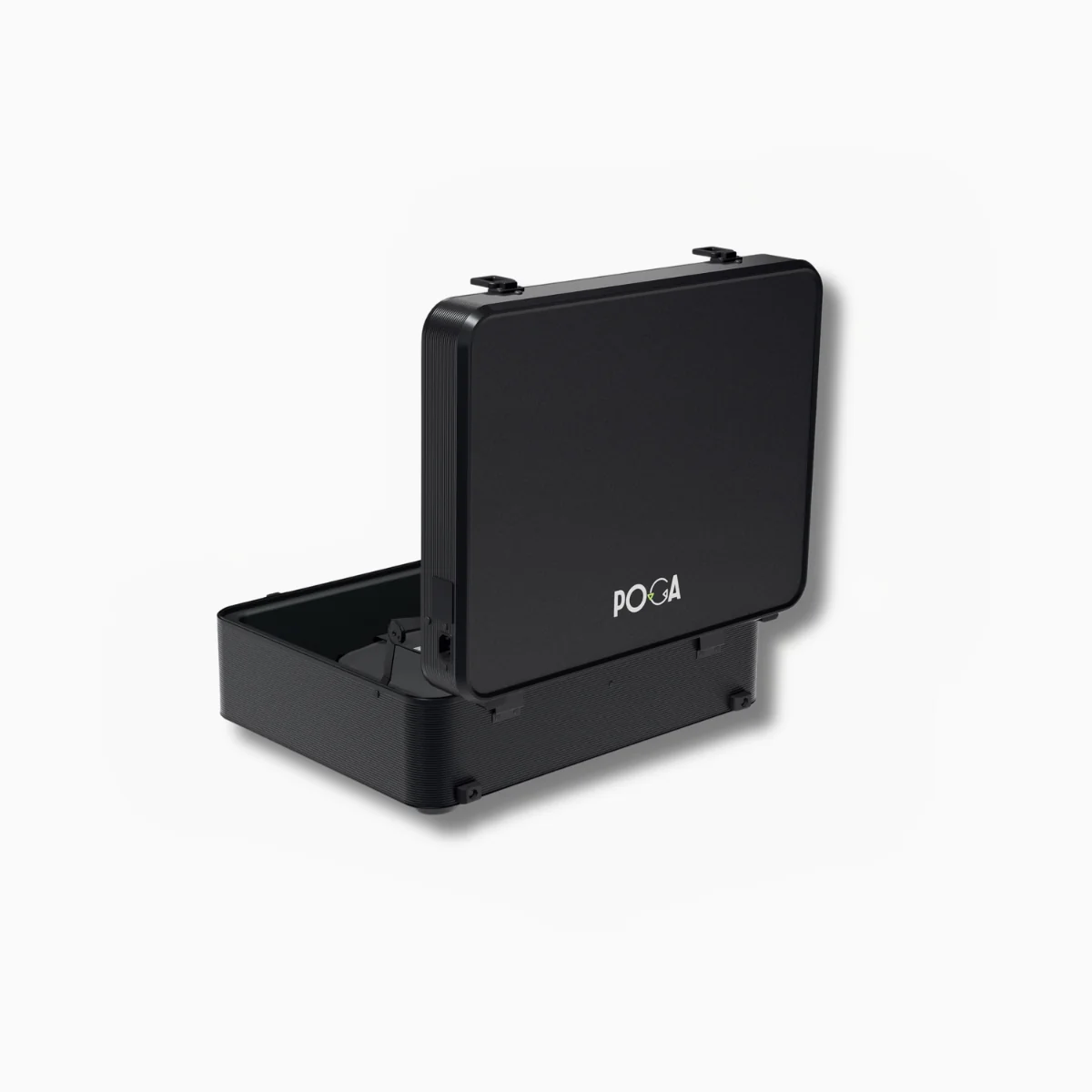
Replacement parts and kits
Keep the display, trolley, cables, and protective fit in good condition.
Warning Signs Worth Taking Seriously
A burning smell or unusual heat during normal operation warrants stopping use and investigating. A flickering display, visible lines, artifacts, or new dead pixels can indicate a loose internal connection. Cracks or significant dents in the shell can reduce its protective capability after an impact.
Building Maintenance Into Your Travel Routine
The most effective way to keep up with maintenance is attaching it to a routine you already have. Build a quick exterior wipe and cable check into unpacking after every trip. Tie less frequent foam and ventilation checks to the start of each month or after a set number of trips.
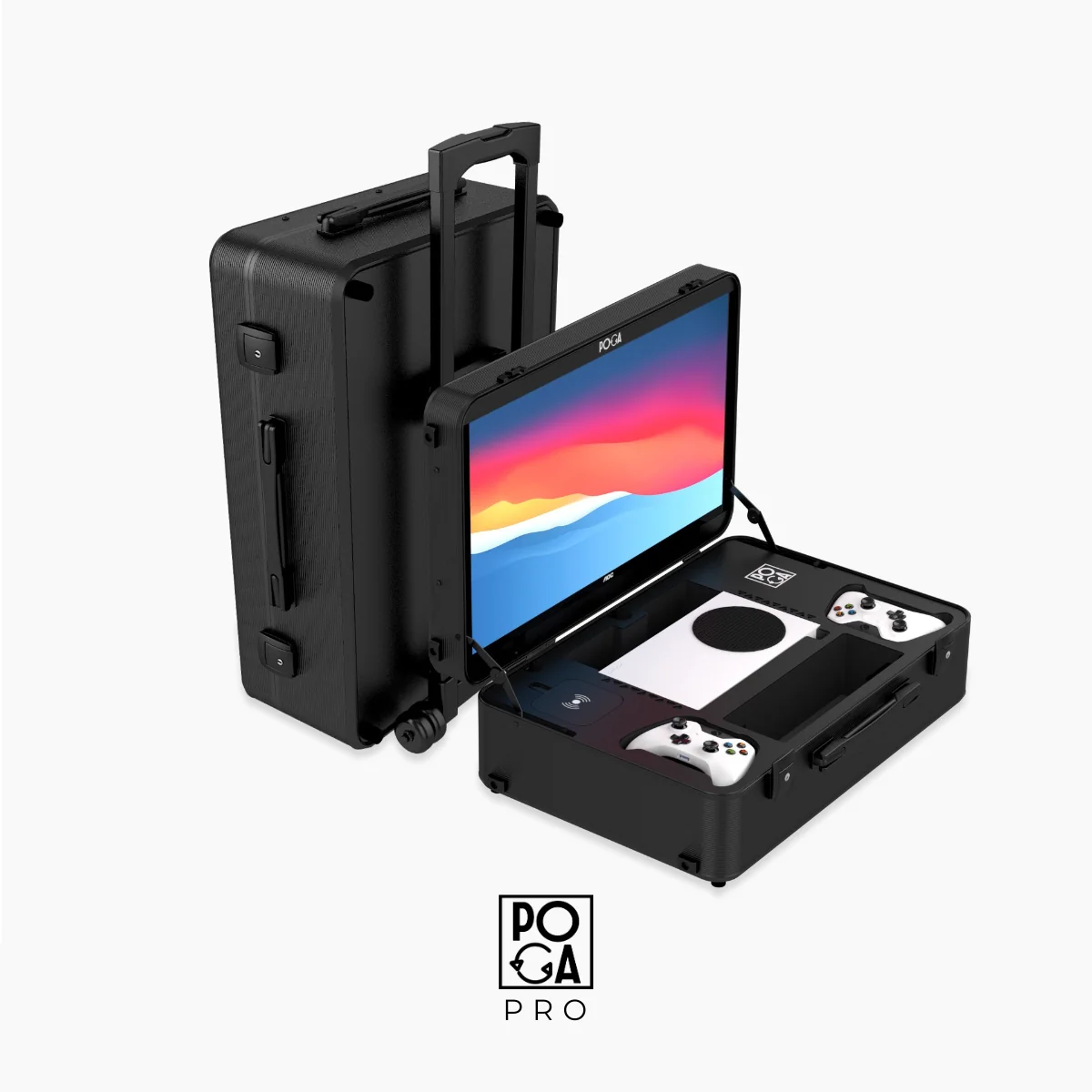
How Durable Is a Portable Gaming Station, Really?
Decode materials, protection, and the durability claims that matter.
Will Your Console Overheat Inside a Portable Gaming Case?
Understand airflow, ventilation, and cooling design choices.
Helpful answers
Frequently Asked Questions
How often should I actually clean my portable gaming station?
A quick wipe down after each trip, combined with a more thorough monthly check for regular users, covers most of what matters. Heavy travelers benefit from slightly more frequent attention, particularly to foam and cable condition, than someone who uses their setup occasionally.
Can I use regular household cleaning products on my gaming station?
Mild soap and water is generally safe for most exterior shells, but avoid ammonia based glass cleaners on displays specifically, and avoid abrasive scrubbing pads on any surface. When in doubt, check your specific product's care instructions before using anything beyond a damp cloth.
What should I do if the foam in my case has compressed and no longer holds my console snugly?
Check whether your manufacturer offers replacement foam inserts, which is a common solution for this specific wear pattern after extended heavy use. Continuing to use a case with noticeably loose foam undermines the protective purpose of the case, so this is worth addressing rather than ignoring.
Is it normal for cables to wear out faster on a portable setup than a stationary one?
Yes. Cables on portable gear experience significantly more physical stress from repeated packing, unpacking, and reconnecting than a cable that stays connected in one place. Keeping a spare cable on hand is a reasonable precaution for anyone who travels with their setup regularly.
Does dust buildup in vents actually affect performance, or is it just cosmetic?
It genuinely affects performance, not just appearance. Dust restricts airflow, and reduced airflow can contribute to a console running hotter than intended, even when the underlying cooling design of the case is sound. Periodic vent cleaning is a functional maintenance step, not just cosmetic upkeep.
The Bottom Line
A portable gaming station is built to handle more physical stress than a stationary setup, but that durability is not maintenance free. A few minutes after each trip, combined with monthly and periodic checks, keeps the exterior, foam, cables, display, and ventilation functioning as designed. Browse Gear & Spares for replacement parts, or explore the full POGA guide.