
Content Creation · August 2026 · 10 min read
Content Creator's Guide to Portable Streaming Setups
Streaming or creating content on the road? Here's what actually matters for a portable streaming setup, power, capture, audio, and reliable connectivity.
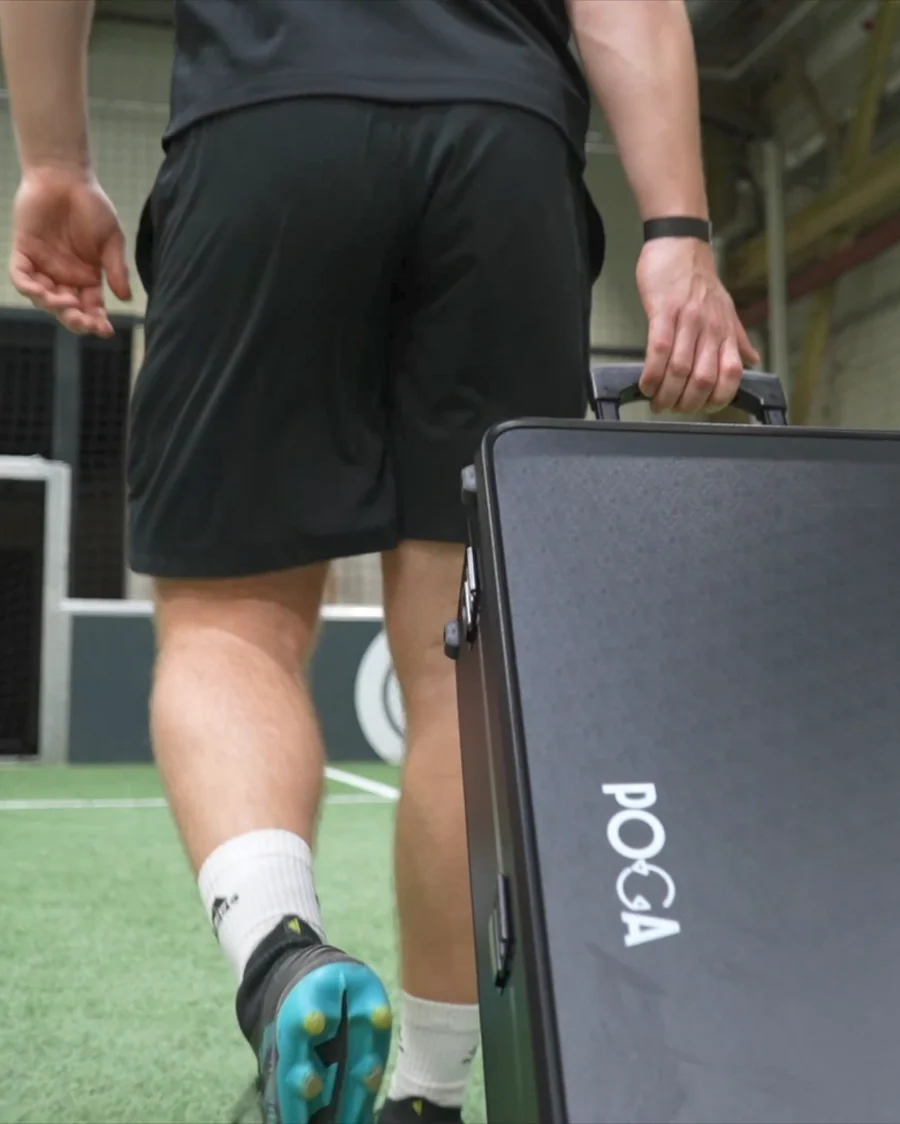
Streaming or creating video away from your home setup introduces problems most gaming travel guides do not address. You need to reproduce enough of your production setup, capture, audio, lighting, and reliable connectivity, that your road content does not feel like a lesser version of what you make at home.
Why Portable Content Creation Is Different From Portable Gaming
A traveling gamer needs a console, display, and reliable power. A traveling creator also needs capture, a microphone, often a camera and lighting, and a stable connection for live streaming. Each requirement creates another point of failure, so good enough to play is not automatically good enough to publish.
Capture and Output: The Core Technical Requirement
The fundamental requirement is getting a clean video signal from your gaming device into whatever records or streams it. A station with genuine pass through or secondary HDMI output can send the same signal to its built in screen and an external capture device without an additional splitter or switcher.
Not every portable gaming case offers this capability. If content creation is a core use case, check specifically for dedicated capture or streaming output rather than assuming any HDMI port will work easily.
Audio: Often the Most Noticeable Quality Gap
Viewers are often more sensitive to audio problems than video quality problems. Clean audio paired with slightly compressed video usually outperforms sharp video with poor or inconsistent sound. A compact external microphone will almost always outperform a built in laptop or case microphone beyond casual content.
Power and Reliability on the Road
Understand the draw of your full setup, including console or PC, display, capture device, and lighting. Confirm that outlets, a portable battery, or vehicle inverter can sustain the complete setup for the duration of your session.
For live streaming, test hotel Wi-Fi, a mobile hotspot, or venue networks before relying on them. Adjust bitrate and resolution to match the connection you actually have.
Lighting and Camera Considerations
Hotel rooms and event spaces rarely have consistent lighting. A compact travel light can make a larger difference to professional appearance than many creators expect. If you use a webcam or facecam, test performance in uncontrolled lighting before a real shoot.
Where a Portable Gaming Station Fits This Picture
For console creators, a portable station protects the console and provides a reliable display, leaving capture, audio, and lighting as the remaining production tasks. For PC creators, POGA Max consolidates a full PC into the case instead of requiring a console plus separate portable monitor.
A Practical Packing Checklist
Capture and audio
Pack an external microphone with a reliable low latency connection and a capture solution appropriate to your setup.
Power and lighting
Size your power plan to the full draw, and add compact lighting if an on camera presence matters.
Connectivity
Test the actual connection before a trip and prepare a hotspot backup if live streaming is important.
Editing and Storage While Traveling
High resolution video and long recording sessions consume storage quickly. Pack extra drives, plan cloud backups when reliable internet is available, or budget enough local storage for the trip. Editing is more demanding than gaming or streaming, so creators publishing in near real time should bring hardware capable of running editing software alongside other applications.
Building Redundancy Into a Professional Travel Setup
Creators with paid obligations should consider a backup microphone, secondary storage, and separate backup power. Scale redundancy to the stakes: a casual weekend does not need the same contingency planning as a sponsored deliverable.
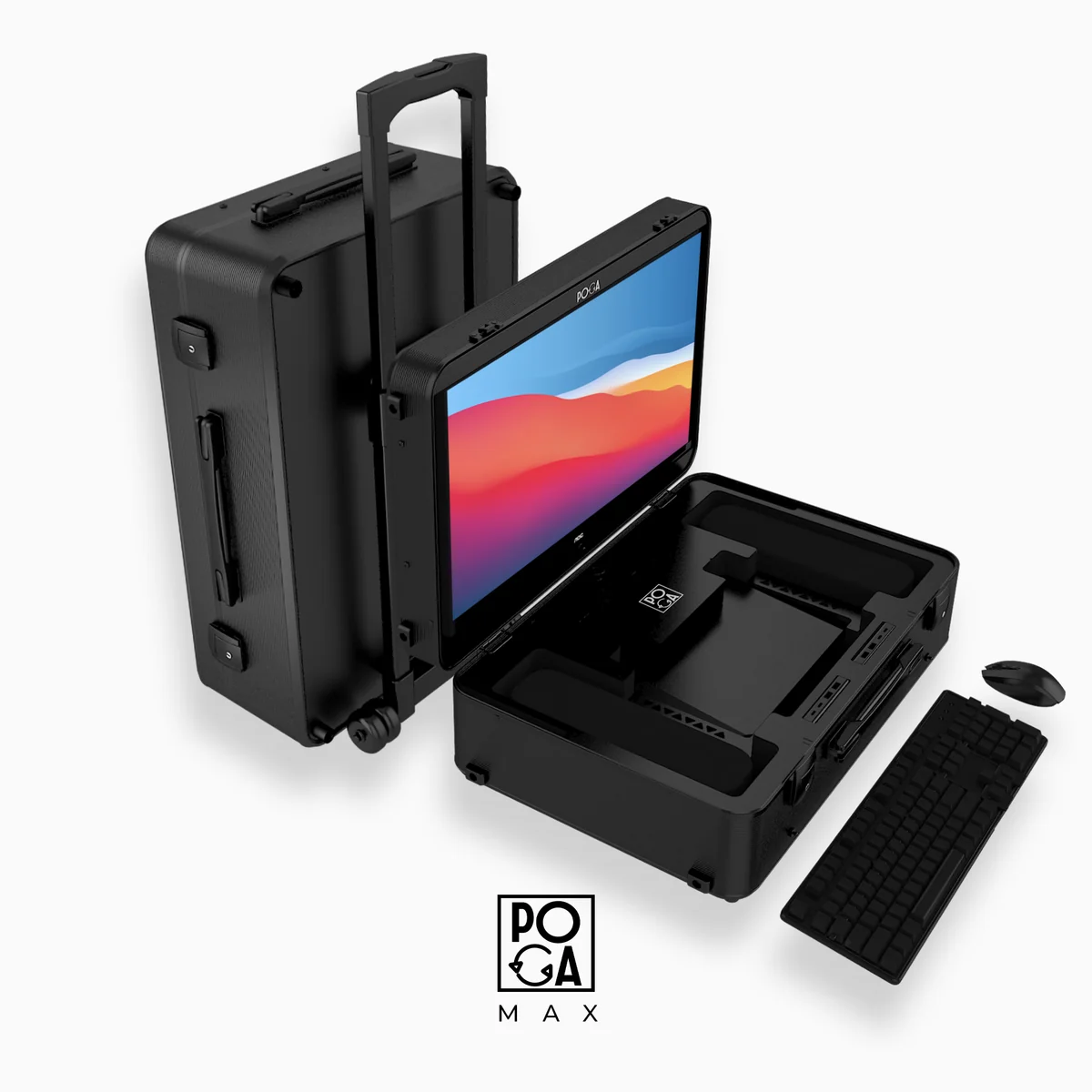
POGA Max
A PC based case for creators who need more flexibility.
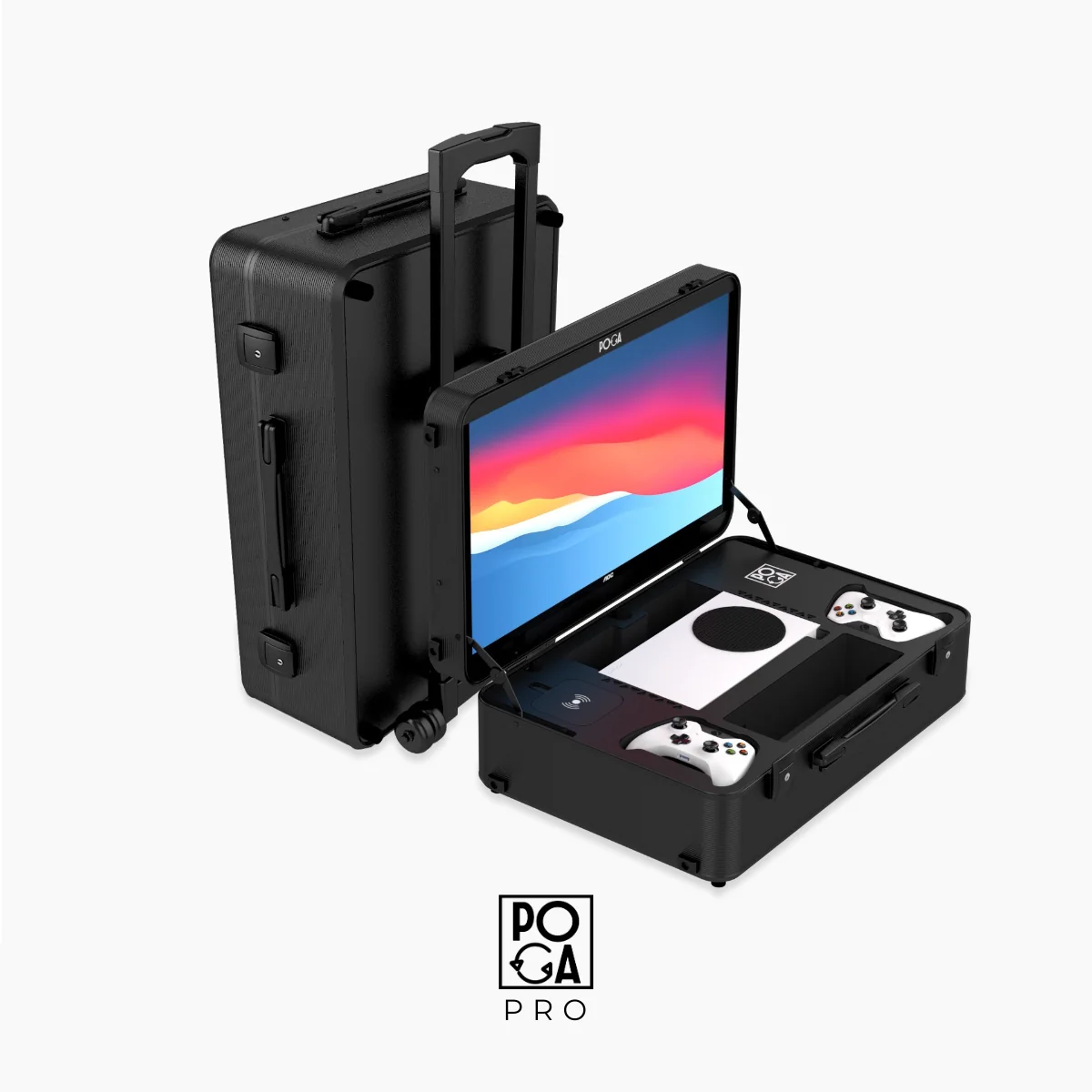
POGA Pro
A protected console setup for portable production workflows.
Full POGA Guide
Compare portable gaming options for your workflow.
Can You Use a Portable Gaming Station With PC or Laptop?
See how a portable PC setup differs from a console-focused travel case.
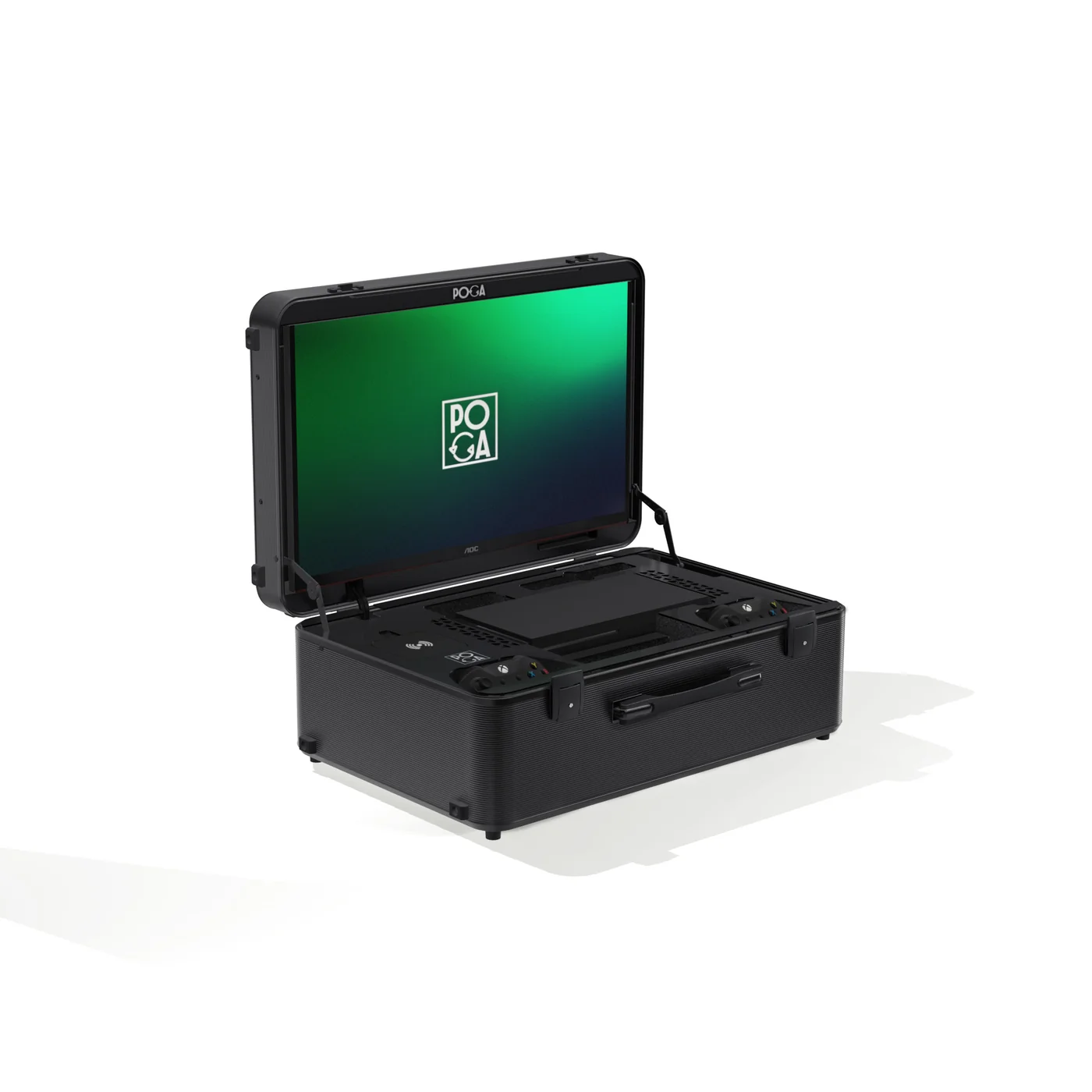
USB-C Portable Gaming: What to Know Before You Buy
Understand what USB-C support actually means before choosing your setup.
Helpful answers
Frequently Asked Questions
Can I stream directly from a portable gaming station without additional equipment?
This depends entirely on the specific station's capabilities. Some offer built in streaming tools and dedicated capture output, while others are built primarily around protection and display without additional production features. Check a specific product's stated capabilities rather than assuming any portable gaming case includes streaming specific functionality.
What's the single most important piece of gear for portable content quality?
For most creators, audio quality has a bigger impact on perceived content quality than video resolution. If you can only upgrade one piece of your portable kit, a dedicated microphone is usually the highest value addition.
How do I handle unreliable internet when streaming on the road?
Test your actual expected connection before relying on it live, and be prepared to lower your streaming bitrate and resolution settings. A mobile hotspot as a backup to venue or hotel Wi-Fi is a reasonable redundancy plan.
Is a full PC based portable setup like POGA Max necessary for content creation?
Console creators can absolutely produce quality portable content. A PC based setup offers more flexibility for creators who need to run separate streaming or editing software alongside gameplay.
How much should I budget for a complete portable content creation kit?
Budget separately for a quality microphone, compact lighting, and a reliable power and connectivity plan beyond the core gaming or PC setup. A single all-in-one purchase rarely covers the full production workflow.
The Bottom Line
A capable portable content setup requires deliberate planning for capture, audio, lighting, power, and connectivity. A portable gaming station solves console or PC protection and display, but you still need to plan separately for audio and capture. Read the full POGA guide or browse PC gaming cases.