
Buyer's Guide · October 2026 · 8 min read
Is a Portable Gaming Station's Monitor Good Enough for Competitive Play?
Bringing your own setup to a LAN or tournament should not cost you frames or reaction time. Here is what input lag and refresh rate actually mean for competitive console players, and how POGA's specs measure up.
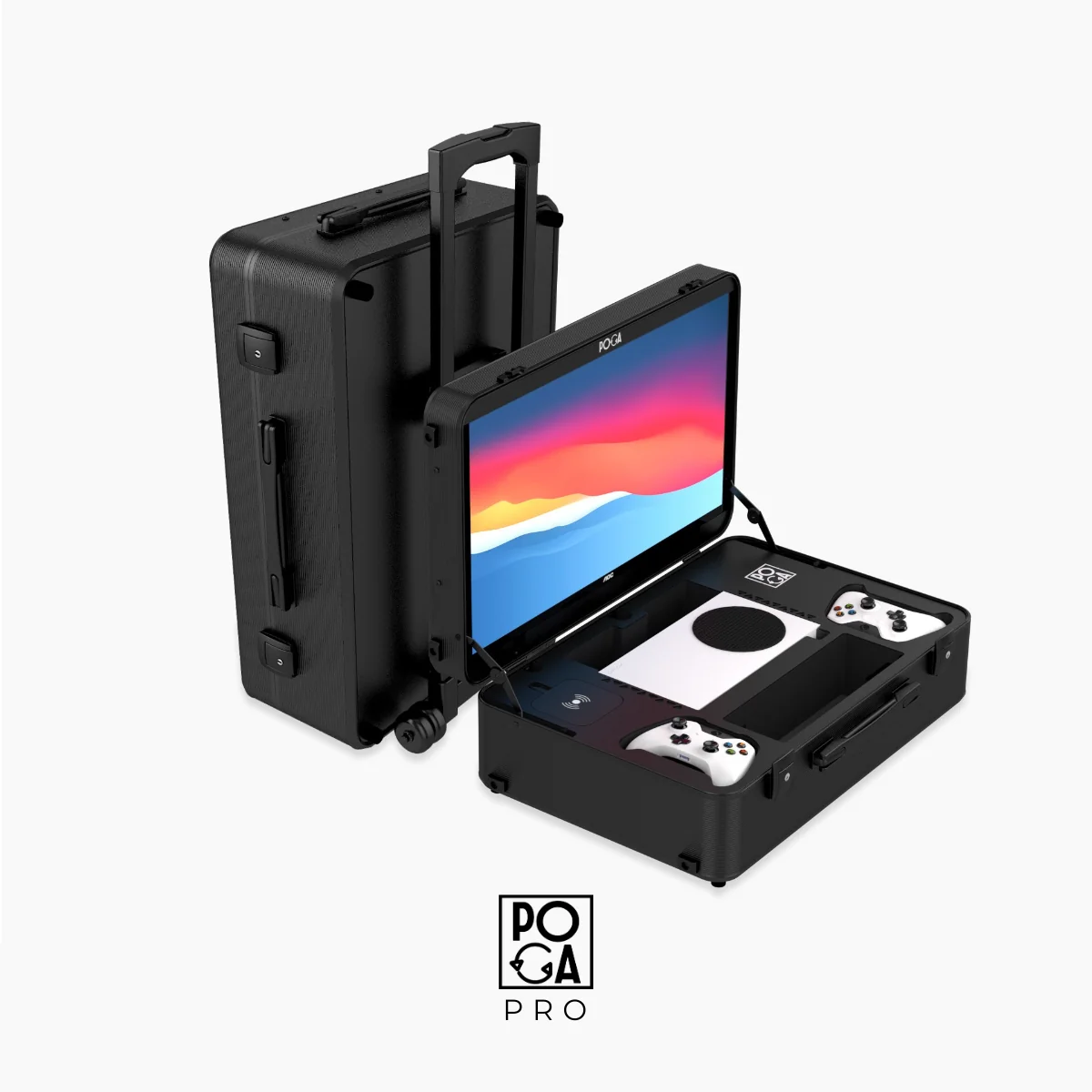
Quick answer: For PS5 and Xbox Series X|S players, a built-in monitor is not a competitive disadvantage when it offers a 1ms response time and refresh rate at or above the consoles' 120Hz output ceiling. Confirm the HDMI connection separately because the cable and port can be the real bottleneck.
If you are a competitive player, a built-in screen that adds real input lag under pressure is not a convenience. It is a handicap you brought with you. The useful question is whether its response time, refresh rate, and total connection can keep up with your console.
What Actually Matters: Three Numbers, Not One
Response time measures how fast a pixel shifts from one color to another. Around 1ms is table stakes for competitive monitors because slower response can create ghosting and motion blur.
Refresh rate is how often the display updates. Both PS5 and Xbox Series X output up to 120Hz, so a 144Hz, 180Hz, or 200Hz display will not make a console render beyond its own ceiling.
Input lag is the delay between your controller input and the image changing. Competitive displays commonly measure around 4–6ms at 120Hz, with under roughly 15ms generally considered safely competitive and under 20ms acceptable for many players.
Where POGA's Monitor Lands Against These Numbers
The POGA LUX uses a 23.8-inch Full HD display rated at 200Hz with a 1ms response time. That response time is in line with dedicated competitive monitors, while the refresh rating sits above the 120Hz ceiling of current consoles. Confirm the current live product listing before quoting 200Hz versus 180Hz because retail listings can differ.
The Xbox-focused POGA SLY and POGA PRO follow the same logic for Series X and Series S players. At this specification level, the display is not the performance bottleneck.
The Part That Actually Trips Players Up: The Connection
A monitor's rated refresh rate is only achievable if the cable and port can carry the signal. Confirm that your HDMI port and cable support the bandwidth your console outputs. Total latency also includes console processing, the HDMI pipeline, and controller latency, so a great display cannot remove delay elsewhere.
A Practical Checklist Before You Trust Any Portable Setup Competitively
- Confirm response time, not just refresh rate. The two numbers work together.
- Know your console ceiling. For PS5 and Xbox Series X, 120Hz is the meaningful target.
- Check cable and port compatibility. Do not assume every HDMI cable delivers the same bandwidth.
- Use low-latency settings. Game mode and sensible VRR settings can prevent processing delay.
- Test before the stakes are real. Play low-stakes matches on the setup and compare it with your usual display.
Frequently Asked Questions
Does a higher refresh rate than 120Hz actually help on PS5 or Xbox?
No, not directly. Both the PS5 and Xbox Series X cap their own video output at 120Hz, so a monitor rated at 144Hz, 180Hz, or 200Hz is not displaying extra frames beyond what the console sends.
What input lag is considered safe for competitive console gaming?
Competitive-grade monitors generally measure around 4 to 6 milliseconds of input lag at 120Hz. Anything under about 15ms is generally considered safely competitive, while above roughly 20ms can feel delayed.
Is 1ms response time necessary, or is that just marketing?
It is a meaningful spec. Response time measures how quickly a pixel changes color, and slower response times can cause visible ghosting and motion blur during fast movement.
Does HDMI limit a portable monitor compared to USB-C?
It can. HDMI bandwidth depends on the port version and cable quality. For console players targeting 120Hz, confirm that the specific HDMI connection supports the output your console sends.
Will a portable gaming station's monitor put me at a tournament disadvantage?
Not if it offers roughly 1ms response time and refresh at or above your console's 120Hz ceiling. Check the connection, cables, and low-latency settings before competing.
The Bottom Line
For competitive console players, a 1ms response time and refresh rate above the console's 120Hz output ceiling mean the display itself is not holding you back. Verify the cable, connection, and low-latency settings, then focus on the parts of the chain that actually affect performance. Read our esports tournament guide or browse the shop.