
Portable Gaming Eye Strain: Causes, Prevention, and Why Screen Size Matters (2026)
Why Portable Gaming Causes Eye Strain
Portable gaming is convenient, but it comes with a cost that most players do not think about until their eyes start to ache.
The problem is simple: your eyes were not designed to focus on small, bright screens held close to your face for hours at a time.
When you game on a handheld or a small portable monitor, your eyes work harder than they would on a TV or full-size monitor. The smaller the screen, the more effort required to make out details — especially text, UI elements, and fine visual information.
- Dry, tired, or burning eyes
- Blurred vision after long sessions
- Headaches, especially behind the eyes
- Difficulty focusing on distant objects
- Neck and shoulder tension from poor posture
The Screen Size Problem
This is the single biggest factor in portable gaming eye strain.
| Screen size | Viewing distance | Eye effort |
|---|---|---|
| 7-inch handheld | 12–18 inches | High |
| 15-inch laptop | 18–24 inches | Moderate |
| 23.8-inch monitor | 24–36 inches | Low |
| 27-inch monitor | 30–42 inches | Low |
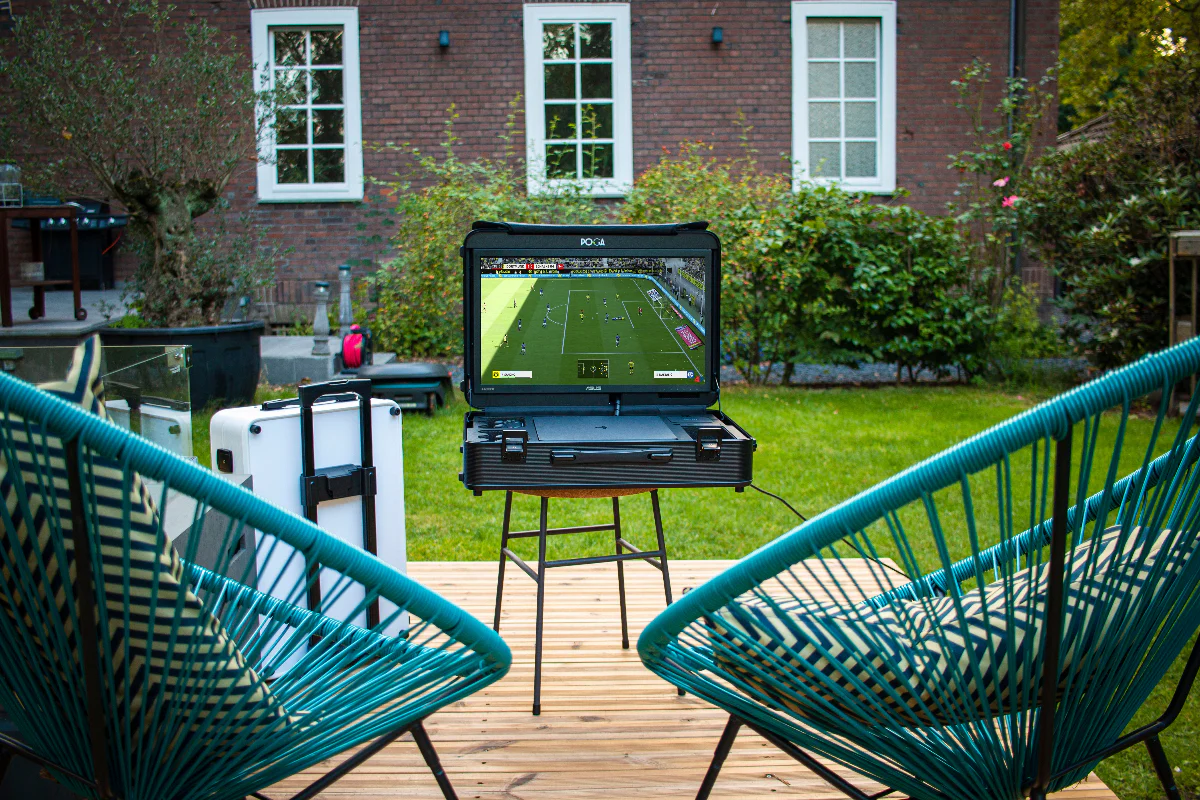
A 7-inch handheld forces your eyes to focus on a small area at close range. A 23.8-inch or 27-inch screen lets you sit comfortably farther away while still seeing everything clearly. This is why a POGA station with a full-size display is easier on your eyes than a handheld.
For a size comparison, see Steam Deck vs. portable gaming station.
Other Causes of Gaming Eye Strain
Long sessions without breaks
Gaming for hours without looking away keeps your focusing muscles engaged.
Poor lighting and brightness mismatch
A bright screen in a dark room, or a screen that does not match the ambient light, makes your eyes constantly adjust.
Reduced blinking
People blink less when looking at screens, which means drier eyes and more irritation.
Poor posture, glare, and reflections
Hunching over a handheld and fighting reflections strains your eyes, neck, and shoulders together.
How to Prevent Eye Strain While Gaming
The 20-20-20 rule
Every 20 minutes, look at something 20 feet away for at least 20 seconds.
Use a larger screen
A full-size display lets you sit farther away and reduces focusing effort.
Match brightness to your room
Adjust brightness so it roughly matches the ambient light.
Enable night mode
Blue light filters help with evening sessions and sleep.
Blink, take breaks, and fix posture
Consciously blink, stand up during long sessions, and keep the screen at eye level or slightly below.
Reduce glare
Position your screen away from direct light sources.
Does Blue Light Actually Damage Your Eyes?
Blue light from screens does not permanently damage your eyes. It can contribute to digital eye strain and suppress melatonin if you game close to bedtime. Blue light filters and night mode are worth using in the evening.
For display settings, see VRR and ALLM on portable monitors.
Why a Larger Screen Is Easier on Your Eyes
Screen size matters more than any other factor for eye comfort.
| Benefit | Why it helps |
|---|---|
| Farther viewing distance | Eyes do not need to focus as hard |
| Larger text and UI | Less squinting to read details |
| Better posture | You are not hunched over a small device |
| Comfortable long sessions | Reduced cumulative strain |
A POGA station uses a 23.8-inch display in POGA LUX or a 27-inch display in POGA YEZ — desktop-monitor sizes that are comfortable for extended use.
Frequently Asked Questions
The Bottom Line
Eye strain from portable gaming is real and mostly caused by small screens held close for long sessions. The most effective change is a larger screen viewed from farther away. Combine that with the 20-20-20 rule, proper brightness, regular breaks, and good posture.
Compare POGA stations